
The short answer
A cart email can help without offering money off. Remind the shopper what they chose, answer one useful question, and give them a clear way back. For a handmade item, size, care, gift options, or shipping facts may help. Only promise what your shop can provide.
In this guide
You can start with help
A shopper leaves a $38 handmade mug in their cart. You do not know why. They may be comparing sizes, buying a gift, or simply busy. A lower price is only one possible response.
Start by looking at the product page. Does it show how much the mug holds? Can someone see the handle size? Are care and shipping details easy to find? Fix gaps there too. A cart message should give them a useful next step without pretending to know why they left.
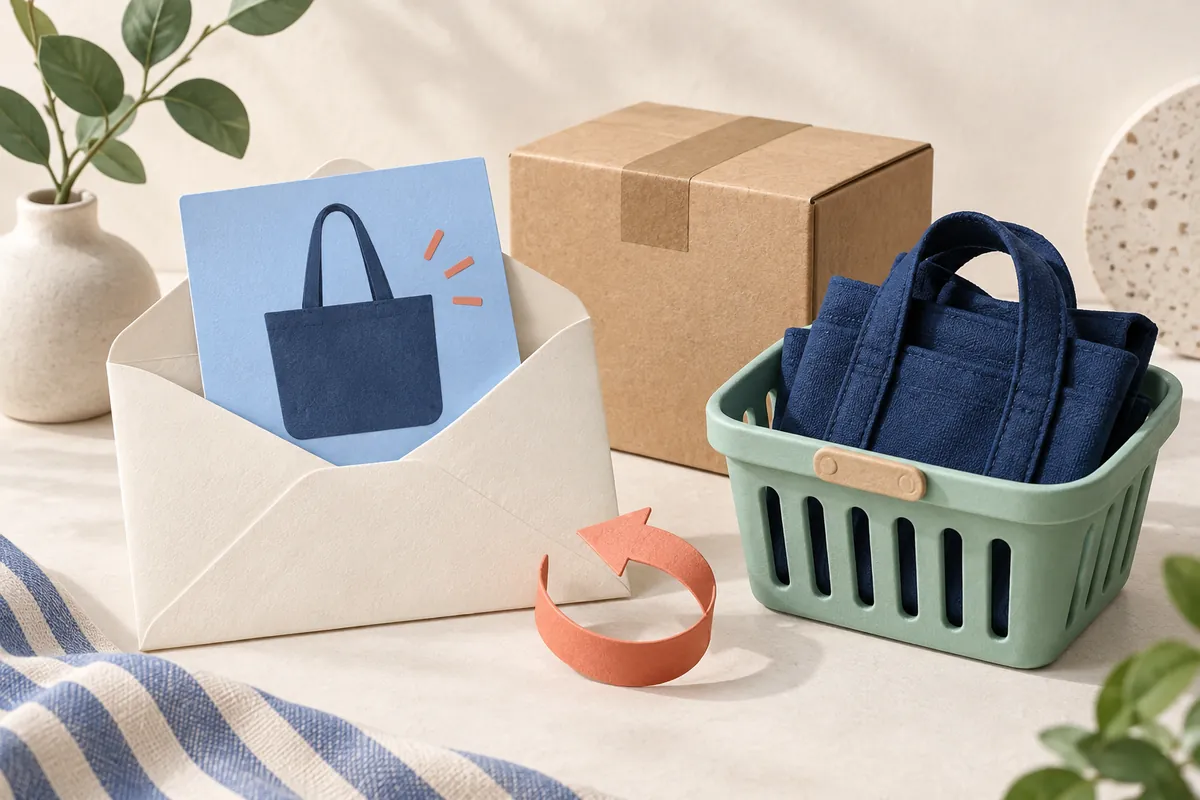
- 01Remind
Show the item they were considering.
- 02Help
Answer one real product question.
- 03Return
Give them one clear way back.
A simple email you can adapt
Here is a sample for a shop that really offers gift notes:
Subject: A quick note about your mug
Still thinking about the handmade mug? You can see its size and care details on the product page. If it is a gift, we can add your note at no extra cost.
Have a question? Reply and ask us.
Button: Return to your cart
Use a working reply address and the correct return link. Remove the gift-note line if your shop does not offer it. Check that the mug can still be bought before sending.
Pick one detail that fits the item
Choose a question you hear from shoppers. For a ring, link to the size guide. For soap, show the ingredient list. For a candle, explain the scent using plain words. For a gift, show the real packing and delivery choices.
Keep the email easy to scan on a phone. One photo, a few lines, and one main button may be enough. Try the myuser.ai email reviewer for wording and layout advice. Check the links yourself; a draft review cannot prove they work.
Use real facts, not pressure
Do not claim the cart is reserved unless your store reserves it. Do not say only one item is left unless that count is true at send time. Avoid a made-up timer.
Explain actual shipping terms clearly. Free shipping still costs the shop money. A large discount can leave less to pay for your time and materials. Use the offer calculator to compare costs if you are thinking of adding an offer. Its numbers do not predict how many shoppers will return.
Set your offers; let myuser.ai handle follow-up
myuser.ai cart follow-up uses products, visits, carts, and orders to decide, write, schedule, and send the next message. You choose your designs, offers, and channels, then activate sending. Review your offer settings so they match your store’s prices and what you can afford.
You do not build each cart flow by hand. You can review planned sends and the reason for them. Known contact details and send rules still apply. Check other apps and separate form or manual sends for overlap.
Keep the send as useful as the draft
Before turning on a cart sender, check who it can reach and what happens after a purchase. Shopify has separate cart and checkout templates, so check which one you use.
Keep one sender in charge of each job. If the email never sends, read our missed cart-email guide. If it arrives after a sale, use the after-purchase checks. A good draft needs the right timing and shopper record too.
Sources & notes
Sources checked 2026-09-14. Product facts come from the links below; examples explain the steps. Read our research method and testing limits.
- Shopify automation types help.shopify.com
- myuser.ai cart follow-up myuser.ai